ES File Explorer
ES File Explorer is an easy way of managing your Android device

Safe & Secure
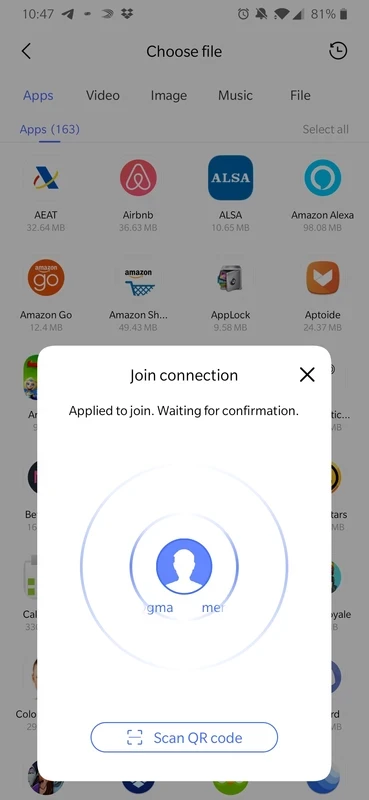
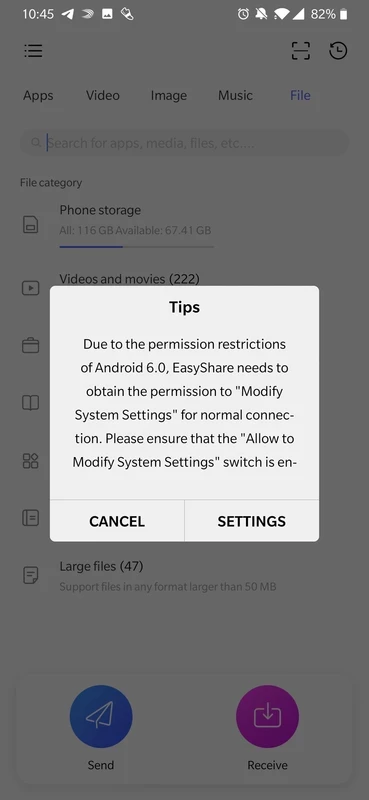
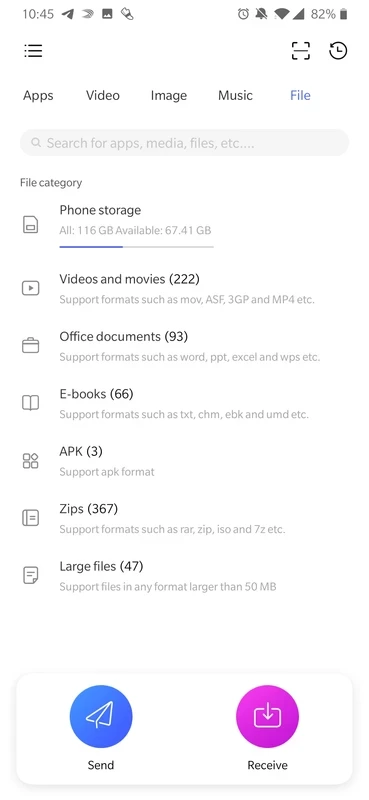
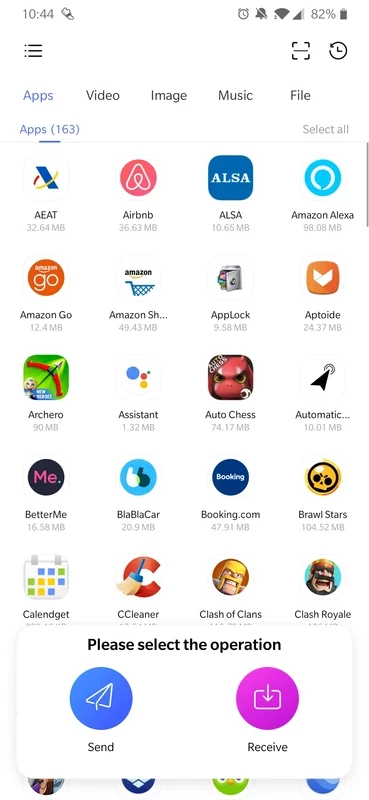
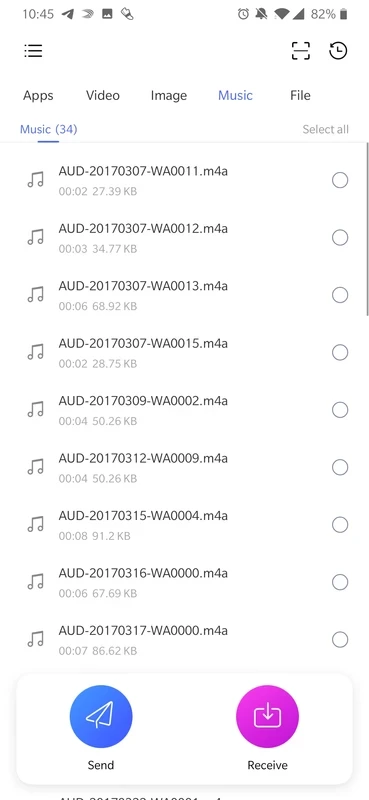
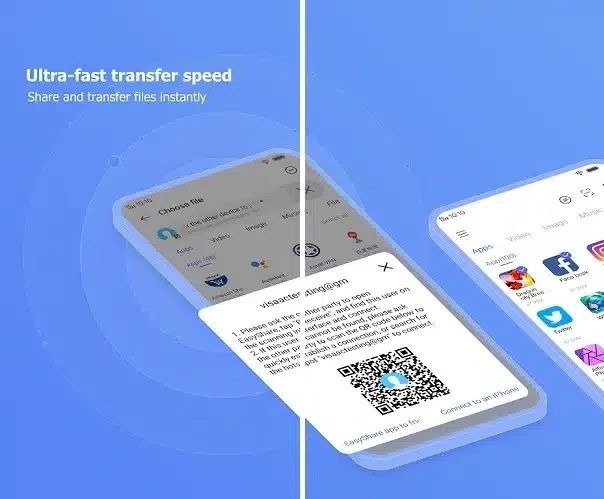
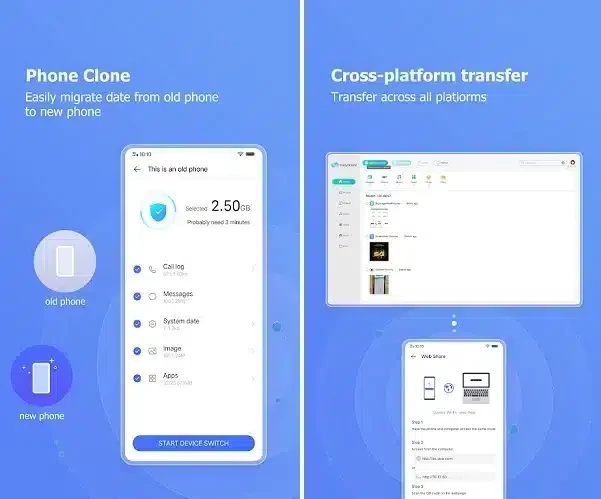
EasyShare is a P2P file sharing program that enables users to send and receive their photos, videos, audios, and documents across multiple devices. With a clean and simple interface, the app offers both casual file transfers and full device replacements. It is one most popular file sharing apps that is used by 200 million users across the world.
The app offers an ad-free environment and offers the fastest wireless file transfers, even without mobile data or cloud services. It makes it possible to Shareit with support for multiple file formats and robust speed.
EasyShare is a lightning-fast wireless Peer-to-peer tool used for data-free transfers for phone-to-phone, migration, or simply sharing files across multiple devices. The cross-platform utility is developed by Vivo Communication Technology Co., Ltd. It is free to use, even without any irritation from advertisement delivery.
No need to use your mobile data, instead connect to Wi-Fi Direct, and transfer data. You can use Bluetooth for local device-to-device file transfer in case of not connected to the internet. It allows you to transfer files without any size limit or file format.
EasyShare offers robust speed while establishing a direct connection between multiple devices with the help of Wi-Fi Direct technology. There is no need to use your mobile data, and it helps to transfer huge data, including full albums, entire folders, gaming apps, long videos, and so on, while offering super-fast speeds up to 40MB per second. It is 200X faster than Bluetooth, and completes the transfer, even of heavyweight files, within seconds while maintaining stability.
The clean and intuitive interface offers a simple transfer process; even less tech-savvy users can reliably use it. The minimalist dashboard is equipped with large “Send and Receive” buttons. Upon launching the app, you will find step-to-step guide to effortlessly start the file sharing process. The categorized interface ensures your access to the required file is quick and simple, as the dashboard has all important categories, including installed apps, games, videos, images, audios, and documents. However, it can create complications while pairing with a laptop or a mobile from another brand. Connection creation can be irritated because of repeated code scans or manual hotspot setups.
It is one of the best features, as in our daily routine, we have to transfer multiple files with friends, family, or other colleagues. So, spending mobile data on such transfers can be expensive, and a lot of users can’t afford it. So, multiple apps such as EasyShare help to manage local file sharing simply and for free. It doesn’t require mobile data; instead, utilize Wi-Fi Direct, or simply Bluetooth, and transfer your files hassle-free. It is the best solution for areas with poor internet connection.
It offers services on the local level, so there is no need of routing the data via the cloud. In this way, you can avoid exposure to external snooping and reliably transfer your more sensitive files from one device to another. However, encryption details aren’t mentioned, so it is better to transfer important data via some other trusted networks.
The customization options are few, but you are capable of managing your transfer process in the way you like. There aren’t any cumbersome settings or other configurations; instead, the entire focus is on user-friendly navigation and file selection.
It is another key feature, as it makes possible the file sharing process across multiple devices, such as photos of your latest vacation, important office documents, playlists, and so on. It handles your sharing of files, regardless of location, device, or internet connection. So, transfer your files from anywhere and anytime without any size or format limit.
The app supports different modes to make your transfer process flexible, and the versatility of file sharing enables users to select the method that better suits them. Here are two important modes such as;
The app offers an effortless file transfer between multiple devices with support for multiple file formats such as MP4, AVI, JPEG, APK, and so on. Moreover, you can transfer your file with multiple people simultaneously, such as Classrooms, Teams, and events, by simply broadcasting the same files within one session, and invite others to connect and transfer files.
Pros
Cons
ES File Explorer is an easy way of managing your Android device

SHAREit is the seamless sharing of data between multiple devices

Xender is a data transfer app. its working with all supporting devices like Android phones.

Zapya offers a multiple-file sharing process across multiple devices.

OPPO Clone Phone, quick switching of phones with QR pairing

Send Files to TV to transfer files between multiple devices wirelessly over a local network